It’s a writing tool, not a dashboard
The editor is the center of cairn. Its lineage is the dedicated writing tools: iA Writer, Ulysses, Typora. Prose sits at a comfortable measure. Focus mode dims every paragraph except the one being written, and typewriter scrolling keeps the current line centered as the page moves. The live preview renders through the site’s own pipeline, so what an editor sees is what readers get.
Writing happens in markdown. A writer marks what something is (a heading, an emphasis, a list), and the site decides how it looks. That division keeps every page consistent, and the content itself stays plain text, readable in any editor and durable. Nobody has to know the notation to start. A toolbar enters the common marks, and a cheat sheet in the editor covers the rest. A spellchecker runs while the writer types.
A save stays private until a deliberate publish. Two editors cannot overwrite each other’s work, and every save is kept.
Why cairnwhy the editor is built this way
The content lives in the organization’s own repository
A cairn site’s content is markdown files in the site’s own GitHub repository. The site and its content live in one place, and the organization owns it. Every publish is a commit under the writer’s name, so the full history is kept, any earlier version can be restored, and attribution is never a mystery. A checkout of the repository brings the site’s code and its written content together in one place. There is no separate database to export and keep in sync.
The writers never see any of this. There is no git in the editor, drafts wait privately, and the version control stays invisible.
On the hosted site builders, Squarespace and its kin, the site lives in the vendor’s system under the vendor’s pricing, and leaving is an export project. The hosted headless services, Sanity and Contentful among them, have polished editors, but the content lives in their database under their pricing. A cairn site is code and files the organization owns outright.
Leaving cairn is cheap by construction. The content was ordinary files in the organization’s own repository all along.
Where each kind of state livesthe rule that puts content in git
There is nothing to run or protect
A cairn site deploys as one Cloudflare Worker, with D1 for sessions and R2 for media, and no server anywhere. There is no machine to patch, no content database to back up, and no password store to defend; editors sign in from a link sent to their email.
WordPress, Ghost, and the other server CMSes run on a server and a database that someone maintains, secures, and pays for. A cairn site has neither.
Cloudflare provides security-focused, reliable hosting at near-zero cost for a small site, and the same edge carries sites of any size WordPress could serve. Publishing goes through a GitHub App, and the commit is authored in the editor’s name. When something does need diagnosing, the site keeps a structured log of every sign-in and publish. The log is readable in Cloudflare’s dashboard once the site turns logging on.
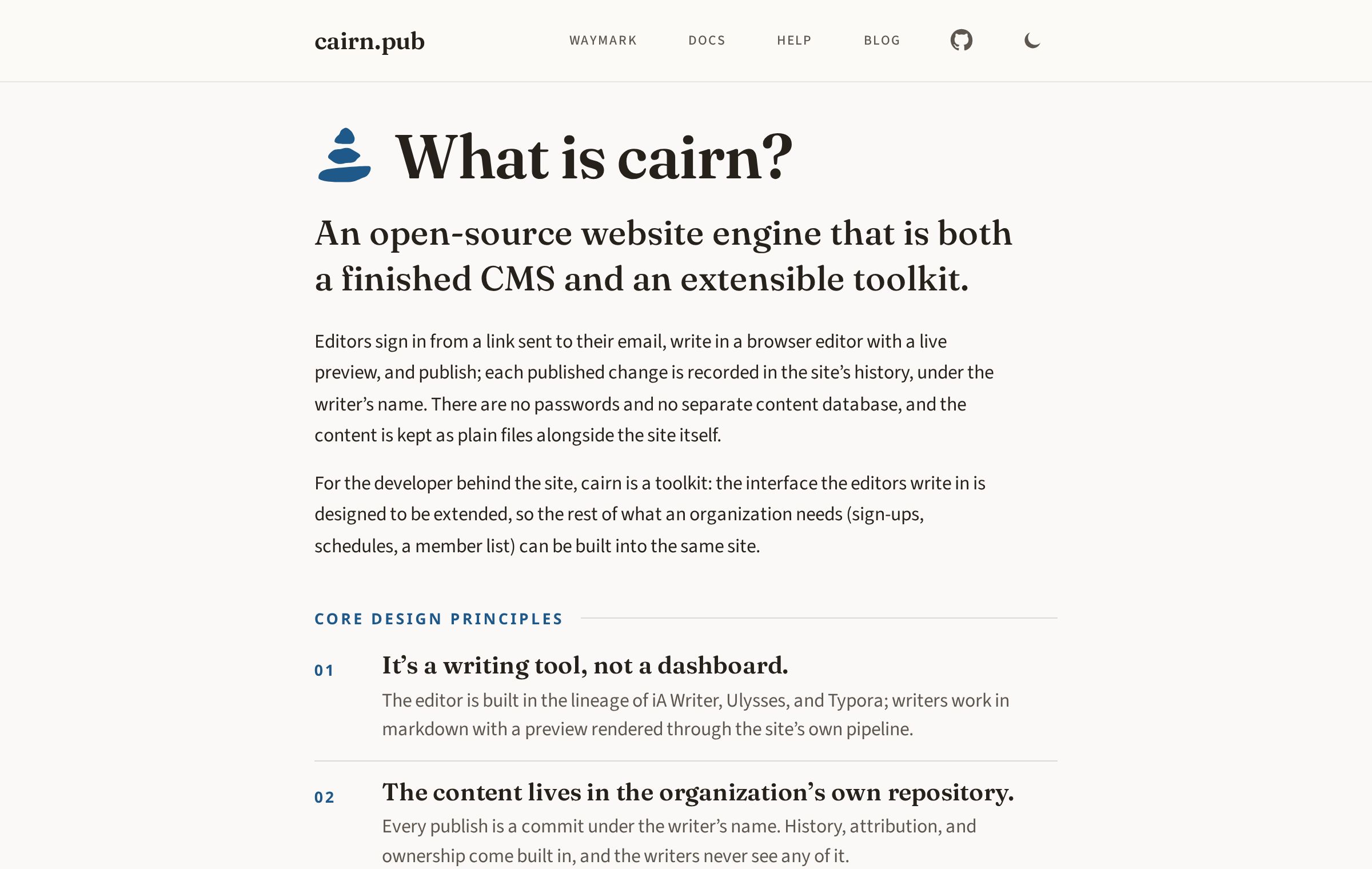
cairn.pub runs on cairn, as do ecxc.ski and 907.life.
The security modeleach trust boundary a cairn site owns
Developers extend it in its own idiom
Cairn is a library for SvelteKit sites, and it assumes SvelteKit throughout: the admin mounts inside the site’s own app as a route and layout pair, the seams and the starter template are SvelteKit code, and a team working in React or elsewhere is holding the wrong tool.
There is no plugin architecture. WordPress-style plugins are frequently awkward and kludgy; in cairn, extension is ordinary code, in the same patterns and with the same toolkit the CMS itself is built with. SvelteKit is the framework developers consistently enjoy, DaisyUI expresses components as plain named styles, and that idiom is the easiest to copy and extend. The scaffolding carries the design system, so custom screens come out visually coherent with the rest of the admin.
The public surface is narrow, versioned, and checked by gates. What a developer builds on it survives engine updates, and cairn itself is an npm dependency updated like any other. The defaults are replaceable through the same seams: a site can bring its own sign-in or its own authorization rules without forking the engine. One system to run, to update, and to hand to the next developer.
Architecturewhat the engine owns and what the site owns
One sign-in covers everything the site does
An organization’s site rarely stops at posts and pages. The rest of what it needs (a sign-up form, a schedule, a member list) is built by the developer as screens in the same admin, and an editor reaches them with the same email-link sign-in as the writing.
The permission model stays small on purpose. There are exactly two roles. Editors write and publish; owners also manage the editor list. There is nothing finer-grained to configure, and no approval queue to route work through. A site of this scale runs on trust, and cairn’s design assumes it. An organization that needs its own roles (an instructor, a club admin) names them in screens its developer builds, on top of the same sign-in.
This is where the git-based CMSes stop. Sveltia, Decap, and the others share cairn’s storage idea, but their admins end at content editing. Cairn’s admin is the scaffold the rest of the site builds into.